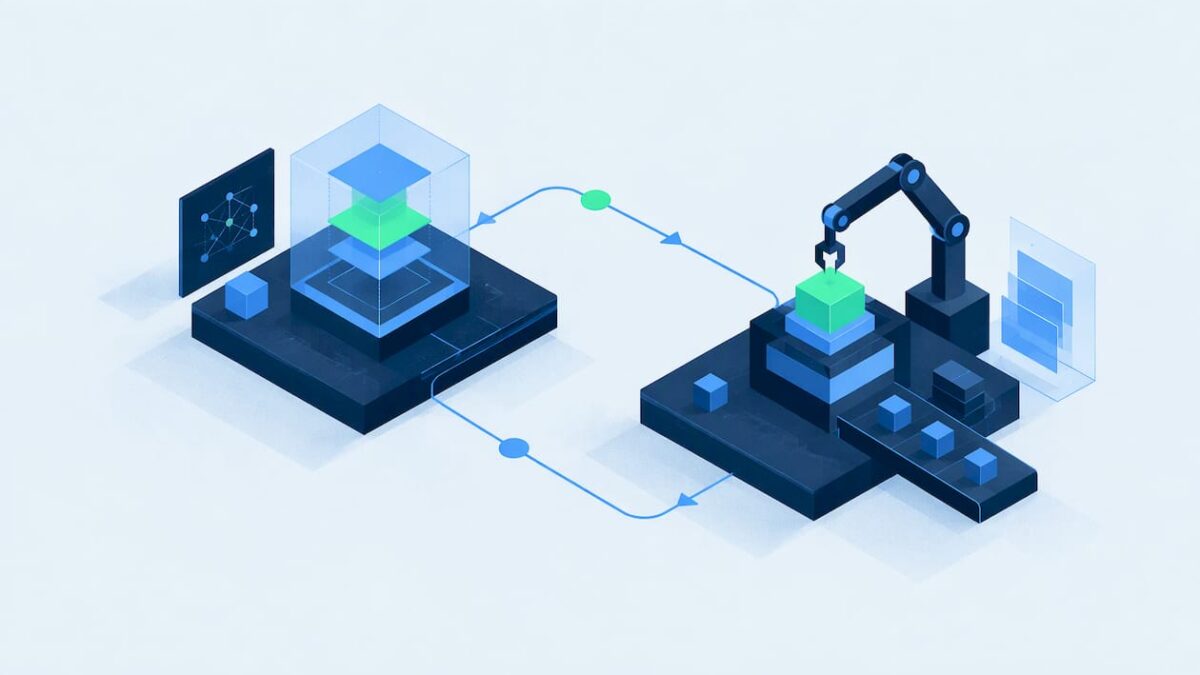
Self-Hosted AI: What It Is and How to Run It

Self-hosted AI means the model and the software around it run on machines you operate, so you decide which requests leave your network, which model version answers, and who can reach the endpoint. For developers and sysadmins the practical question is how much of that to own. Our answer: keep the operating system, files and execution local, and let inference come from whichever local or external model fits the task. That is the design behind AILinux, an Ubuntu-based distribution with an AI agent built into the system.
TL;DR
- Self-hosted AI is about where computation happens and who controls the data path, not about answers being better. A local model runs on hardware you control; a hosted one runs on a provider’s servers.
- Memory is the limit. VRAM for weights, plus cache for context, plus overhead decides which models fit. A 27B coding model fits one 24 GB to 32 GB GPU at 4-bit.
- A working setup is short: an inference server, an OpenAI-compatible endpoint, and your tools pointed at it. Security work starts after it runs.
- Local does not mean private by default. Agents can still call search services, write logs or expose ports.
- A routing layer that sends each request to a local or external model by data sensitivity and difficulty is the pattern that holds up. AILinux ships that approach.
Table of Contents
- What self-hosted AI actually means
- What you need to run it
- Setting it up: a path that works
- Privacy and security: what stays your problem
- Does self-hosting pay off?
- Where AILinux fits
- A practical starting plan
- FAQ
- Sources
What self-hosted AI actually means
The Harvard Chan School puts the distinction plainly: a local model runs its calculations on hardware you control, while a hosted model runs on provider infrastructure that you reach over a network. It also separates two words that get mixed up. “Open” describes access rights to a model. “Local” describes where it executes. You can run an open model on a rented server, and you can call a closed model that never touches your machine.
Manning’s Self-Hosting LLMs at Scale widens this to teams: your own data center, rented GPUs or dedicated cloud capacity all count, as long as your organization controls the infrastructure. It names five forces that push people there: privacy and confidentiality, cost at scale, control over latency and availability, vendor concentration risk, and regulation.
For an individual developer or admin, the same list shrinks to three things you can feel: your code and logs stay on your disk, the tool works when the network does not, and you can swap the model without rewriting your workflow.
What you need to run it
Memory comes first
To size a machine, add up four things: the model weights, the KV cache (the memory that holds your conversation or code context), activations and overhead. Aimultiple’s VRAM guide gives that formula and flags three traps:
- A Q4_K_M quantization (the common 4-bit format) is about 4.9 effective bits per parameter, not 4.0.
- Mixture-of-experts models need memory for all experts, not only the active ones. Mixtral-8x7B needs about 28 GB at Q4 although only 13B parameters are active per token.
- Quantizing the KV cache to FP8 halves it. For Llama-3-8B at 128k context, that is 16 GiB down to 8 GiB.
Context length matters more than most newcomers expect. The same guide’s arithmetic means a long-context agent session can need as much memory for cache as for the model itself.
Which model for which job
For coding, Context7’s guide to self-hosted coding models matches models to hardware. Qwen3.8-27B (Apache 2.0) suits a single 32 GB GPU. GLM-5.3-Flash suits a multi-GPU machine with 3 to 4 80 GB cards at 4-bit. GLM-5.3 needs an 8-GPU node. It also notes that ten coding agents with 64K tokens of context each need roughly 70 GiB at FP8, mostly cache, and that vLLM or SGLang serve teams better than Ollama, which handles one request per model by default and lacks tool_choice.
On consumer hardware, a Kingy.ai review found Qwen3.8-27B at a roughly 17 GB 5-bit quant produces about 43 to 57 output tokens per second on high-end consumer GPUs. It is also the only model in that comparison with native image and video understanding, which helps when you paste a screenshot of an error.
For sysadmin work, you rarely need the biggest model. Small coder models in the 7B to 16B range handle shell scripts, Dockerfiles, Kubernetes YAML and log triage on 6 GB to 16 GB of VRAM. Reserve the large models for multi-file refactors and cluster-wide analysis.
The software stack
A self-hosted stack has an inference server, an interface and your tools, tied together by an OpenAI-compatible API. Ollama is the usual choice for a workstation. vLLM fits a shared GPU server. llama.cpp covers CPU-only and air-gapped machines. The API compatibility is what makes the model swappable: your editor, agent or script talks to one URL and does not care what sits behind it.

Check licenses
“Self-hostable” does not mean “free for any use”. Some models require a separate license above a user threshold, and some workflow tools restrict commercial use. Read the license of every component before you build a product on it.
Setting it up: a path that works
1. Budget memory before you download anything. Pick the model first, then check that weights plus cache fit with headroom. A model that barely fits will swap or crash under long context.
2. Install an inference server and prove it with a small model. Pull something small first so you test the pipeline, not your patience. Pin settings such as the listen address, keep-alive time, context length and KV cache type so they survive restarts. On a systemd machine, an override file does this.
3. Call it through the OpenAI-compatible endpoint. Most tools accept a base URL ending in /v1. The error people hit most is a wrong suffix: vLLM’s base URL ends in /v1, Ollama’s native one does not, as this LiteLLM walkthrough points out.
4. Connect a real tool. GitLab’s official documentation shows the pattern end to end: install Ollama, set OLLAMA_HOST to an internal IP, pull a model such as mistral:instruct (about 4.1 GB), then register the endpoint in the Admin Area with a custom_openai model identifier and assign it to code generation, completion and chat.
5. Add a gateway when you have more than one app or model. A proxy in front of your servers gives every application one endpoint, with per-app keys, budgets, rate limits and fallbacks. The same walkthrough notes it needs PostgreSQL for keys and Redis for caching.
6. Do not publish the port. Keep the server on localhost or an internal network and reach it through an SSH tunnel or VPN. TURMA’s research reports 175,108 Ollama servers reachable on the public internet in early 2026, which is the cost of skipping this step.
This is also where the manual route gets long. You assemble the server, the endpoint, the keys, the agent, the tool permissions and the update routine yourself, and each piece has its own configuration. AILinux ships the agent and its tool layer as part of the system, so the work above becomes choosing which models to route to.
Privacy and security: what stays your problem
Self-hosting changes who processes your data. It does not remove the risk. Four points matter most for developers and admins.
Local is not the same as offline. The Harvard Chan School’s Taylor K Mitchell advises mapping where prompts, outputs, records and logs travel before comparing quality or cost. An agent on a local model can still call an external search service, send a document to another tool or keep information in remote logs.
You own operations. MiniMax’s official local deployment guide says self-hosting keeps weights, input data and the inference service on infrastructure you control, but you are responsible for capacity, scaling, monitoring, recovery and upgrades. Its quickstarts listen locally by default, and before you expose a service you need authentication, TLS, network isolation and restrictions on remote media access.
Agents need limits. When a model can run commands, a wrong answer becomes a wrong action. Give agents read-only access to clusters and production systems, have them propose changes as pull requests or commands for a human to approve, and validate generated infrastructure code with deterministic tools such as terraform validate, kubeconform or a security scanner. Local models do invent flags that do not exist.
Prompt injection works locally too. If a model reads web pages, files or tool output, an attacker who controls that text can try to steer it. Treat anything the model ingests as untrusted input, and treat a vector database as a production data store with the same access rules as the documents behind it.
On regulation, TURMA notes that UK GDPR and the Data (Use and Access) Act 2025 are technology-neutral: self-hosting changes who processes personal data, not whether the rules apply. If prompts, outputs or logs contain personal data, treat them as personal data. Rules differ by country, so check the ones that apply to you with your legal adviser or data protection officer.

Does self-hosting pay off?
Sometimes, and the honest answer depends on volume and on what you value.
On cost, TURMA found a single-GPU server at about £1,805 a month matches a frontier API at roughly 235 million tokens a month once staff time is counted, and cites Carnegie Mellon work placing the viable range at 50 million tokens a month or more, or strict data-residency needs. For one developer or a small team, the case is rarely about the bill. It is about control, latency, working offline and keeping source code on your own disk.
On quality, the gap is narrow. TURMA’s research reports that on Stanford’s 2026 AI Index the best closed model led the best open model by just 3.3% in March 2026, and Epoch AI estimates open-weight models trail the frontier by about four months.
The model that holds up for most mixed workloads is not all-or-nothing. DigyAi’s engineering analysis describes a gateway that routes each request by data class and task difficulty. Sensitive code and logs go to a local model. Hard, non-sensitive reasoning can go to a larger external one. If you want to build that yourself, our post on building applications that switch models automatically covers the idea.
Where AILinux fits
Most self-hosted guides stop at a chat window in a browser. A developer or admin wants the model to work on the system: read a config, run a command, check the result. AILinux is built for that. It is an Ubuntu-based distribution with an AI system agent for coding, DevOps, system administration and task verification. The operating system, files and execution stay local, while inference uses interchangeable local or external model providers through model routing.
The agent works on Linux through MCP tools covering code, workspace, memory, search, devices and automation, with configurable permissions and approval controls. That maps directly onto the guardrails above: you decide what the agent may touch and which actions need your approval.
The pieces you can pick up:
- AILinux 26.05, the distribution ISO.
- ai-coder, the coding agent, for terminal-based work across providers.
- AILinux Helper and the TriForce MCP server, the tool layer.
- The full product range, including the desktop client.
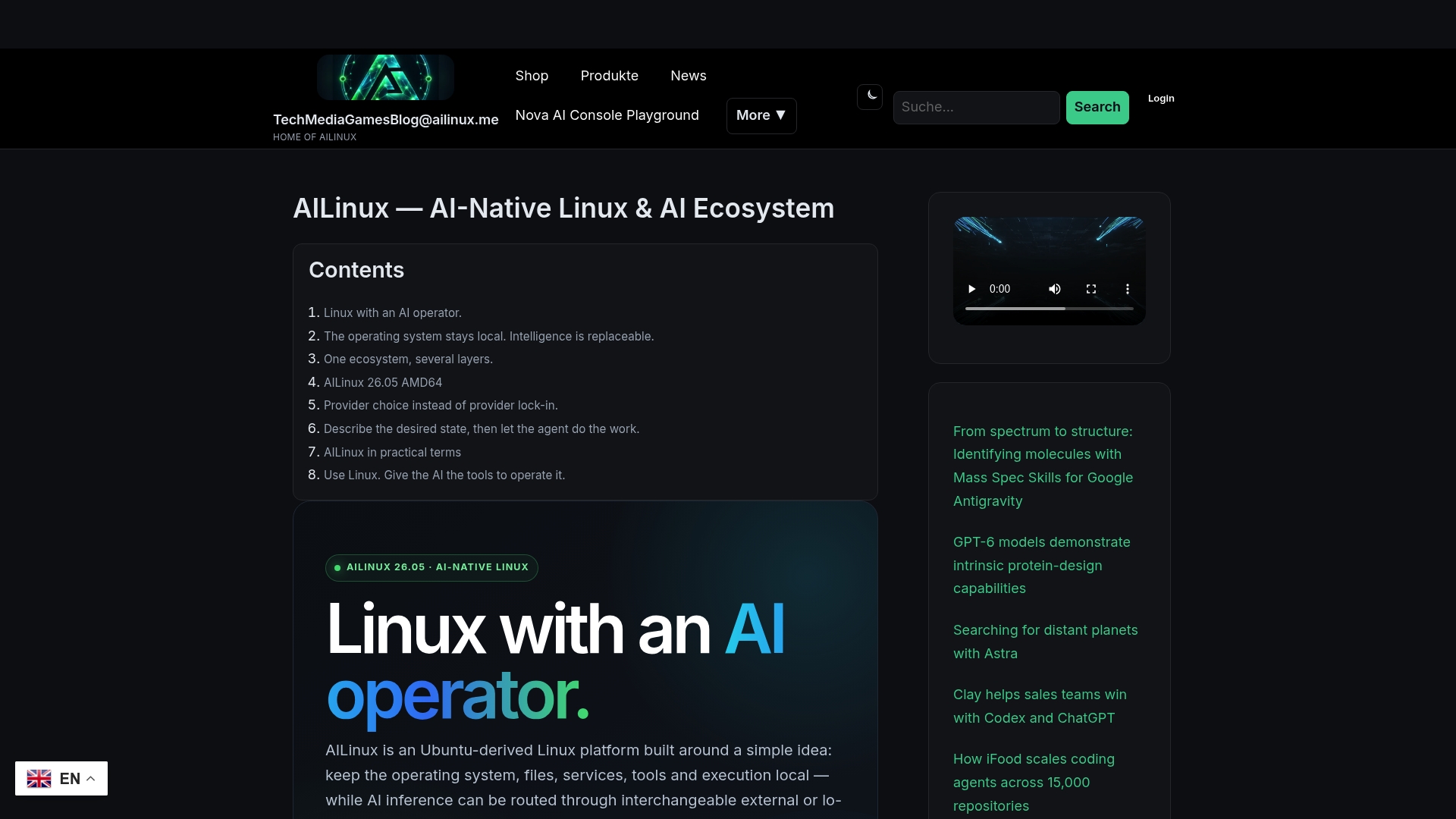
The distribution is a free download. If you want background first, our guide to running Linux AI locally explains the concepts in more depth.
A practical starting plan
- Decide which data must never leave your machine: source code, credentials, customer logs.
- Pick a model your memory can carry with room for context, starting small.
- Serve it behind an OpenAI-compatible endpoint on localhost.
- Give your agent the narrowest permissions that let it do the job, and require approval for anything that changes a system.
- Add routing to an external model only for non-sensitive, hard tasks.
- Write down where logs and transcripts are stored, and encrypt them.
FAQ
Is self-hosted AI the same as running AI locally?
Not exactly. Local means the model runs on your own machine. Self-hosted also covers a server you control, such as a rented GPU or a private data center. Both keep the model under your management, and both leave you responsible for security and updates.
What hardware do I need for self-hosted AI models?
It depends on the model. Small coder models of 7B to 16B parameters run in roughly 6 GB to 16 GB of VRAM at 4-bit, and a 27B coding model fits a single 24 GB to 32 GB GPU. Always add memory for context cache and overhead, and check memory size and bandwidth before core counts.
Is self-hosted AI automatically private?
No. Prompts stay on your hardware only if nothing else sends them out. Agents can call external search, tools or log services, and exposed ports can leak data. Map where prompts, outputs and logs travel, then lock down the network and encrypt stored transcripts.
Is self-hosting cheaper than using an AI API?
Usually only at high, steady volume. Research cited above puts the break-even at tens to hundreds of millions of tokens a month once staff time counts. For individuals and small teams, the stronger reasons are data control, offline work and the freedom to switch models.
Sources
- How do local and hosted models differ? | Harvard Chan School
- Self-Hosting LLMs at Scale, Chapter 1 | Manning
- LLM VRAM Calculator for Self-Hosting | Aimultiple
- Self-hosted LLM for coding agents | Context7
- Qwen3.8-27B vs DeepSeek V4 Flash | Kingy.ai
- LiteLLM Proxy: Self-Host an LLM Gateway | ComputingForGeeks
- GitLab Duo Self-Hosted with Ollama | GitLab Docs
- Run and self-host MiniMax Open Models | MiniMax
- Private AI: the business case for running your own AI | TURMA